
Guests let themselves in, with the right code at the right time
Name each entrance, choose whether the code is fixed or comes from a Nuki lock, and Doorling sends it to the guest only after you've approved the check-in.
Try free for 14 days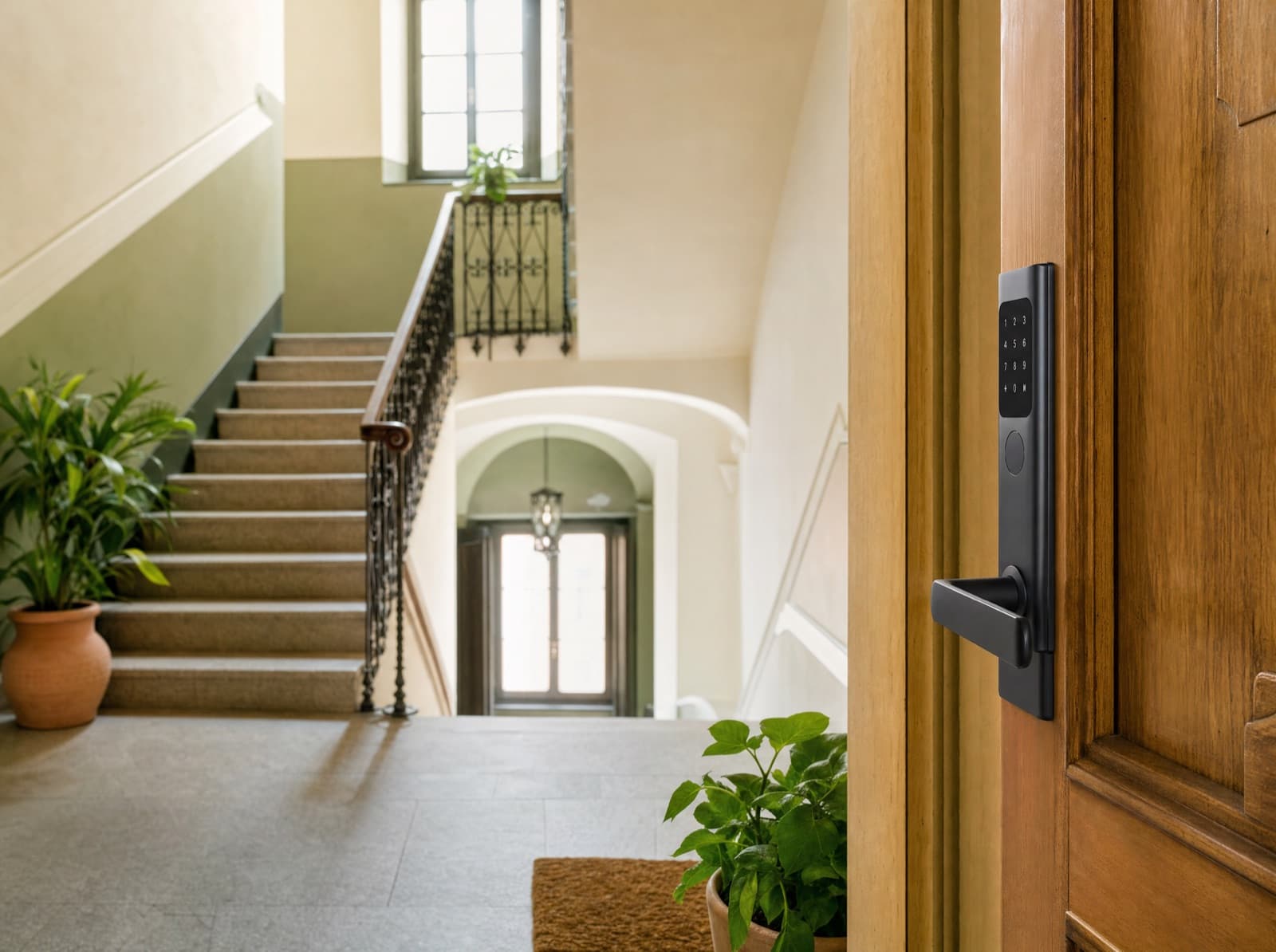
At a glance
Checked against the product on 17 October 2026.
- Plans
- Check-in, PRO and ULTRA
- Code
- Fixed, or generated for every booking with Nuki
- Validity
- With Nuki, from check-in time to check-out time
- When it arrives
- Only after check-in is approved
What are Access?
Access in Doorling means your property's entry points, such as the building entrance, front door or gate, with the code or remote opening the guest receives in the check-in portal only after you've approved the check-in.
For each property you add up to 20 access points and give each one a name. The code can be fixed, like a keybox or keypad code you type in yourself, or come from a Nuki lock: in that case Doorling generates a different code for every booking, loads it onto the lock and removes it after check-out. With a Nuki Opener, for example on the building entrance or gate, guests open it from their phone with a slider.
Access instructions include text, captioned photos and a short video, for anyone who's never been there before. Guests find the code in the portal and copy it with one tap, and a Nuki code is valid from check-in time until check-out time.
What you get with Access
- A different code for every booking with Nuki, valid from check-in time to check-out time
- No code goes to the guest until you've approved the check-in
- Up to 20 access points per property, such as building entrance, front door and gate
- Photos, instructions and a short video so first-timers can find the entrance
- Building entrance and gate that open from the guest's phone, only during the stay
- If a code doesn't reach the lock, you see it in the booking, with the reason
What you stop doing with Access
Waiting at the property just to hand over the keysSending the door code before you know who's coming inChanging the keypad code by hand after every departureExplaining over the phone how to find the building entranceRushing over to open the gate when the guest arrives late
How Access works
Add the entrances
From the property page, name each access point, such as Main entrance or Front door, and choose whether the code is fixed or comes from a Nuki lock.
Connect the lock
If you use Nuki, go to Settings, under Integrations, enter the token and pair each lock with its entrance.
Approve the check-in
The guest completes online check-in and you approve it, or it's approved automatically if you've switched that on. Only then does the code unlock.
The guest lets themselves in
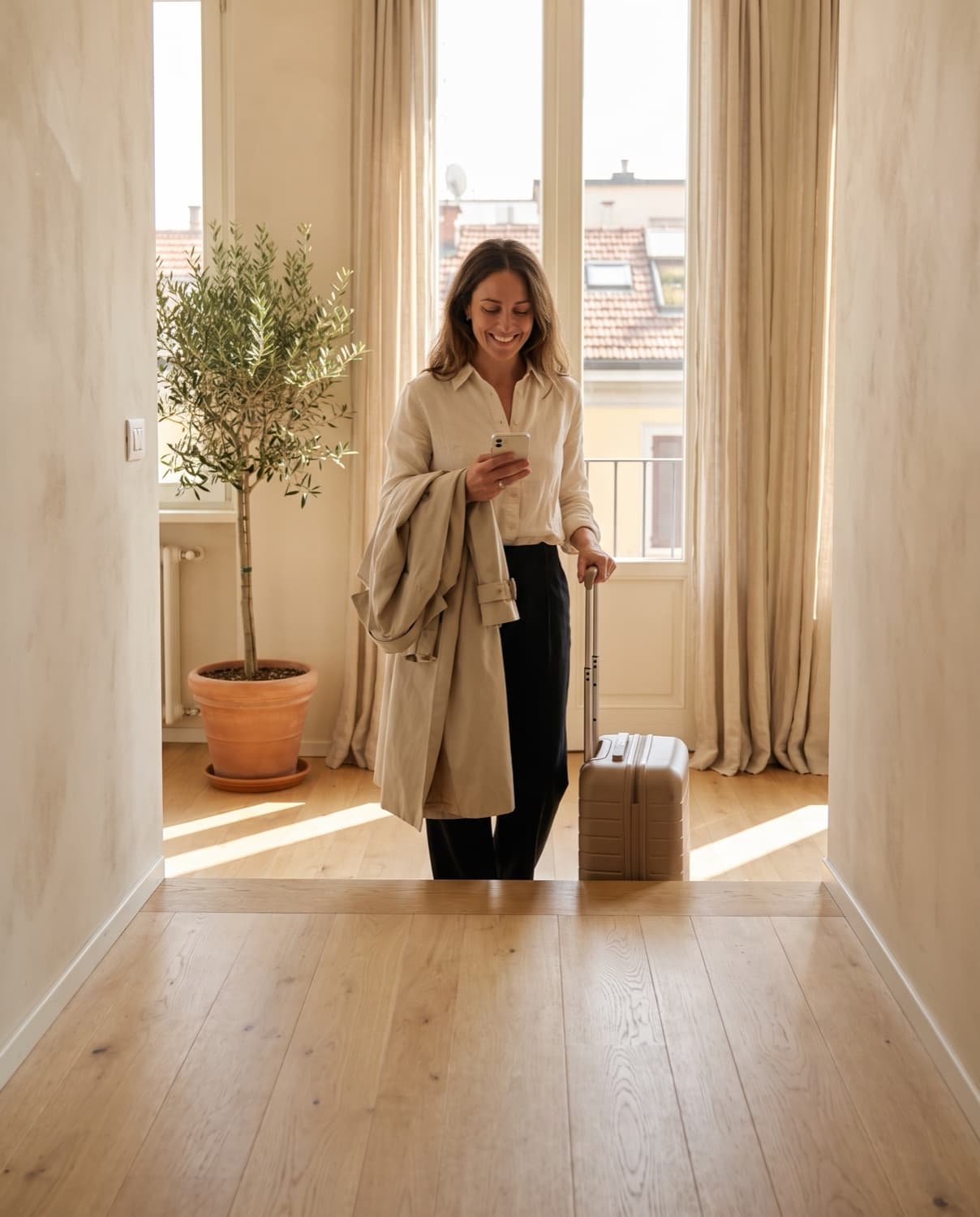
They find the code in the portal, with instructions and photos. With Nuki, the code stops working after check-out.
Frequently asked questions about Access
All answersWhen check-in is approved, by you after checking the documents or automatically if you've switched on automatic approval. Before that, it doesn't even reach their phone. If the guest pays the tourist tax online, it also waits for the payment to be confirmed.
No. You can use a fixed code, like a keybox or keypad code, which you type in and the guest sees once check-in is approved. A new code for every booking, which switches on and off by itself, needs a Nuki lock.
A Nuki Smart Lock with a keypad gets a code for every booking. A Nuki Opener, for example on the building entrance or gate, opens from the guest's phone with a slider.
No. The Nuki code and remote opening work from the check-in time you've set for the property until check-out time. Before that, guests see that access isn't active yet.
You see it in the booking, marked “Not on the lock” with the reason, for example an offline lock, so you can step in before the guest arrives.
Yes. Access instructions include text, captioned photos and a short video, up to 20 MB, so first-timers can find the building entrance and keybox.
The law requires you to identify guests by seeing them and their ID, even over a video call, so receiving a photo of the ID or sending the code isn't enough. Doorling collects documents before arrival and sends the code only after your go-ahead, but checking identity is still up to you.
Related features

Try Access on Doorling, free.
You get a 14-day trial and you are up and running in two minutes.
Explore all features
Compliance and regulations
Daily operations